
🖍️ 젠킨스 설치는 여러 방법이 있다.
📂 msi로 설치하기
1. https://www.jenkins.io/download/thank-you-downloading-windows-installer-stable/
Thank you for downloading Windows Stable installer
Jenkins – an open source automation server which enables developers around the world to reliably build, test, and deploy their software
www.jenkins.io
2. 다운로드 받은 파일 실행

3. Logon Type을 LocalSystem을 사용하도록 설정

4. 포트 설정 > Test Port

5. JDK 연동. 자바가 설치되어있는 경로로 연결 > 완료

📂 .war 파일로 설치
https://www.jenkins.io/download/
Download and deploy
Jenkins – an open source automation server which enables developers around the world to reliably build, test, and deploy their software
www.jenkins.io
java -jar jenkins.war📂 도커로 설치
https://hub.docker.com/r/jenkins/jenkins
https://hub.docker.com/r/jenkins/jenkins
hub.docker.com
📂 젠킨스 브라우저 실행
http://localhost:8080/login?from=%2F로 이동시 유저 초기의 패스워드 입력창이 노출되므로

C:\ProgramData\Jenkins\.jenkins\secrets\initialAdminPassword > 경로에 있는 파일에 있는 번호 복사 붙여넣기 한다.
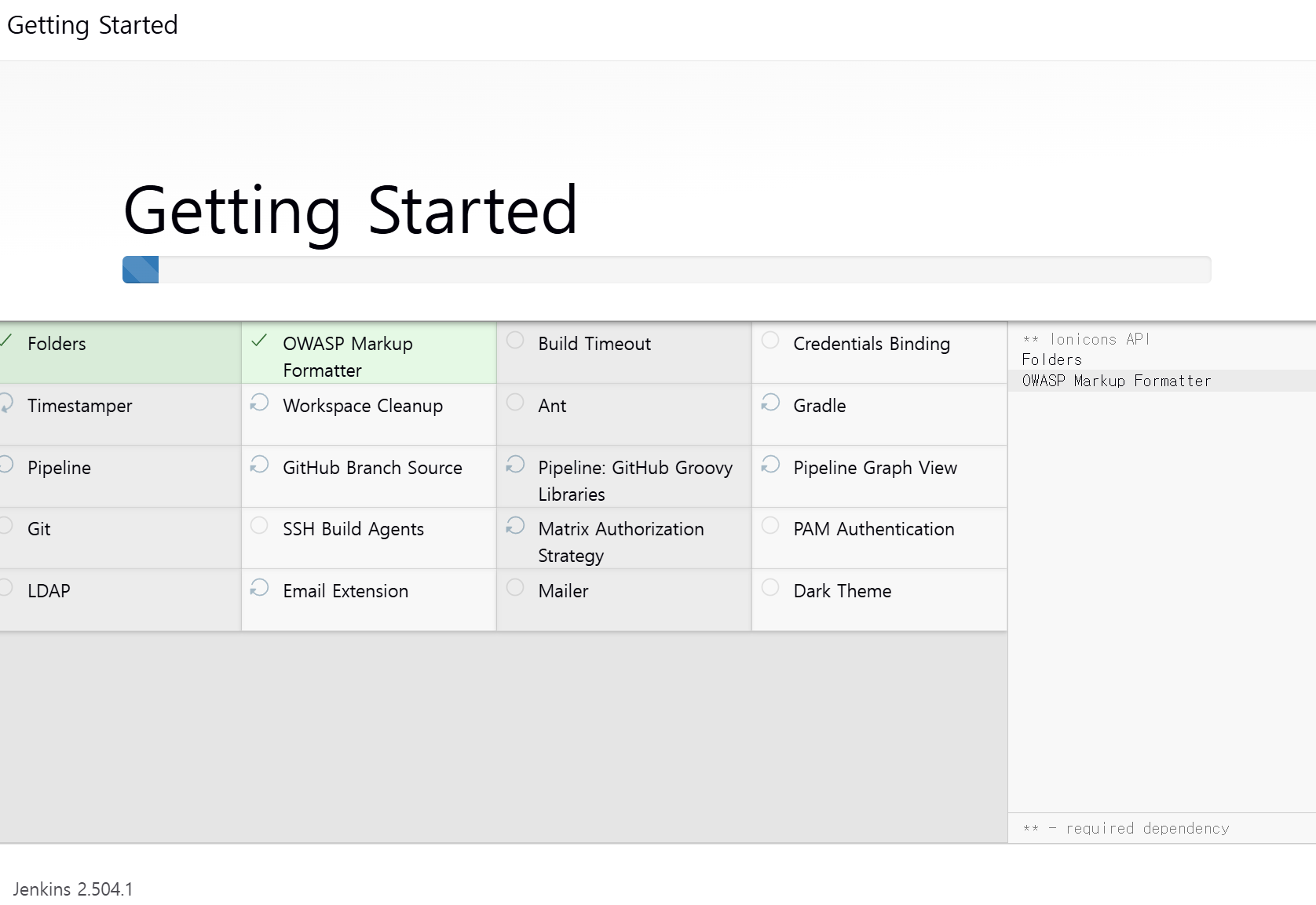
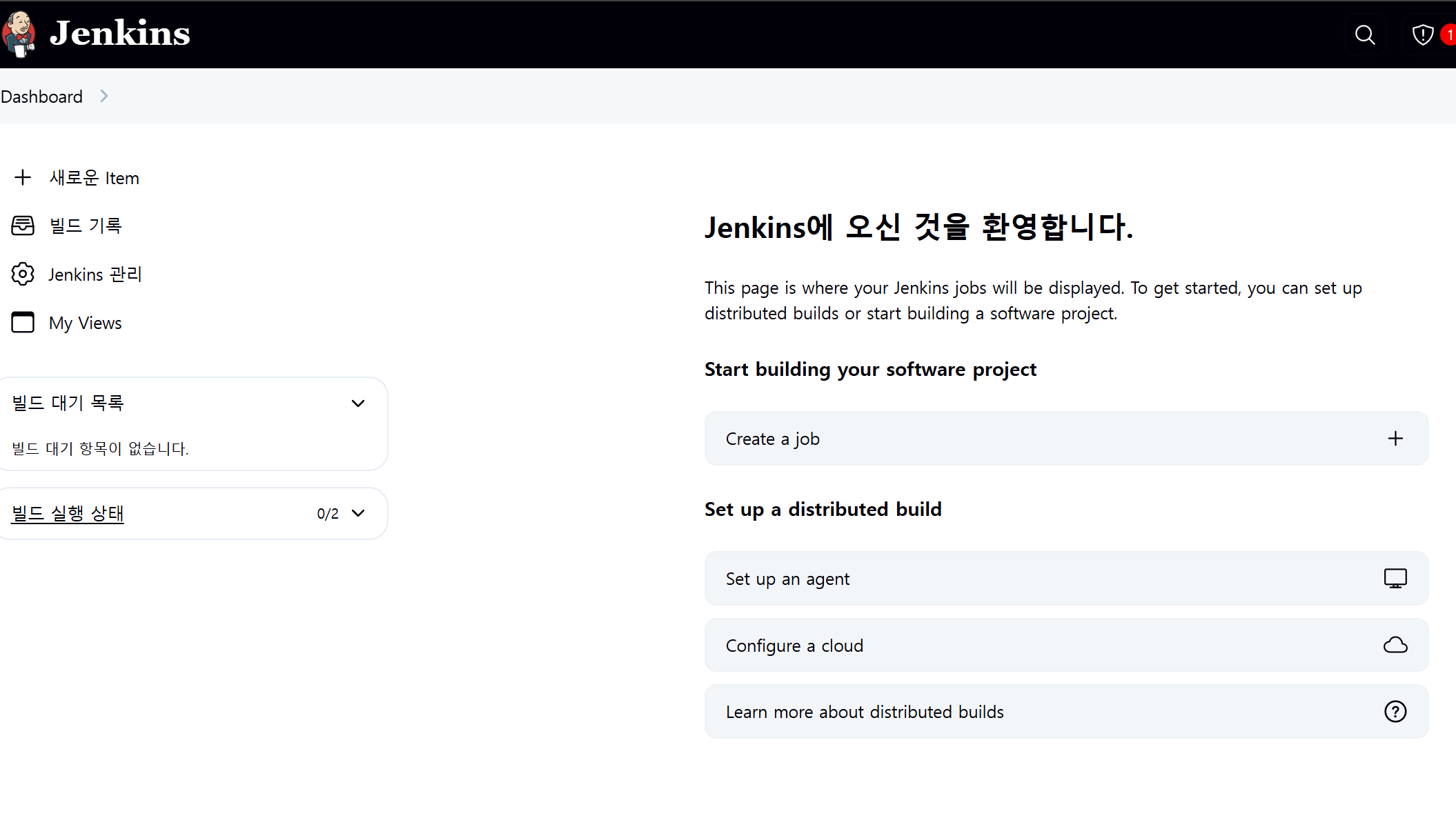
그러면 젠킨스 플러그인관련 설치가 노출된다.
'Study > 젠킨스로 배우는 CI,CD 파이프라인 구축' 카테고리의 다른 글
| 젠킨스로 배우는 CI/CD 파이프라인 구축 - 사용자 관리 (0) | 2025.06.15 |
|---|---|
| 젠킨스로 배우는 CI/CD 파이프라인 구축 - 젠킨스 자격증명 관리 (0) | 2025.05.25 |
| 젠킨스로 배우는 CI/CD 파이프라인 구축 - 젠킨스 보안관리 구성 (1) | 2025.05.25 |
| 젠킨스로 배우는 CI/CD 파이프라인 구축 - 전역 도구 구성 이해 (0) | 2025.05.24 |
| 젠킨스로 배우는 CI/CD 파이프라인 구축 - 젠킨스 소개 및 구성 (2) | 2025.05.12 |